· Updated · The Talkera team· 7 min read
How to answer your customers on WhatsApp 24/7 without hiring
A customer who asks at 10 pm and gets no reply until morning often asks your competitor at the same time. This guide shows how to make every message get a correct answer in seconds, with a one-week setup plan and real-looking examples.
In short
- Most WhatsApp messages are repeated questions that can be answered instantly from your business information.
- Away messages and button bots don't answer the real question, and an evening hire is costly and doesn't cover the whole night.
- An AI assistant replies in the customer's language using only your information, and hands to your team what needs a person.
- One week is enough to prepare, test and launch, with a clear plan.
- Complaints, sensitive cases and money decisions stay with your team.
Why WhatsApp messages get lost
Most businesses receive WhatsApp messages all day, but the team replies only during working hours. Messages that arrive in the evening or on weekends wait, and customers don't.
The second problem is that most messages are repeated questions: How much is it? Is it available? When are you open? Where are you? Staff spend their time typing the same answer dozens of times.
And there are voice notes: many customers in the Gulf send voice messages, and each one needs someone to listen.
The usual fixes and their limits
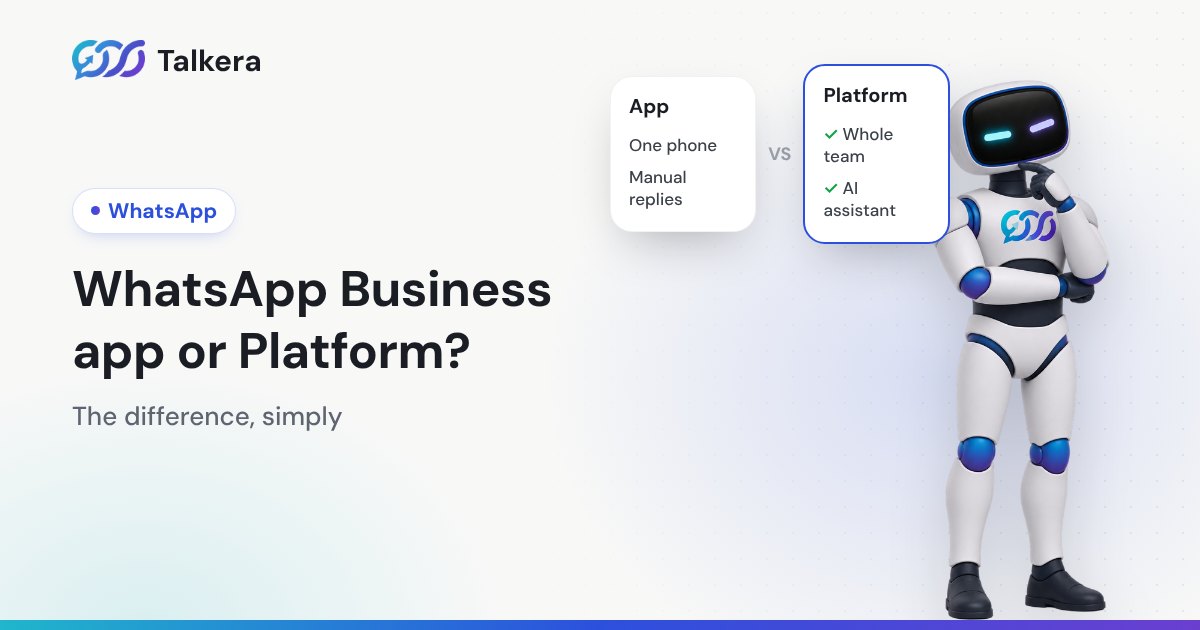
The WhatsApp Business app's greeting message tells the customer you'll be in touch, but doesn't answer the question.
Button bots force customers to pick from a menu. If the question isn't on the menu, or the customer sends a voice note, they stall.
Hiring someone for the evening is costly, and still doesn't cover late nights and weekends.
The fix: an AI assistant that answers from your information
An AI assistant reads the customer's question as written, in their own language, and answers from your business information: services, prices, hours and offers. No menu needed.
The key condition: it must answer only from your information. An assistant that invents a price or a time is worse than no reply. So it must say clearly that the team will follow up when it can't find the answer, and show you the question so you can add it.
Night messages and how the assistant answers
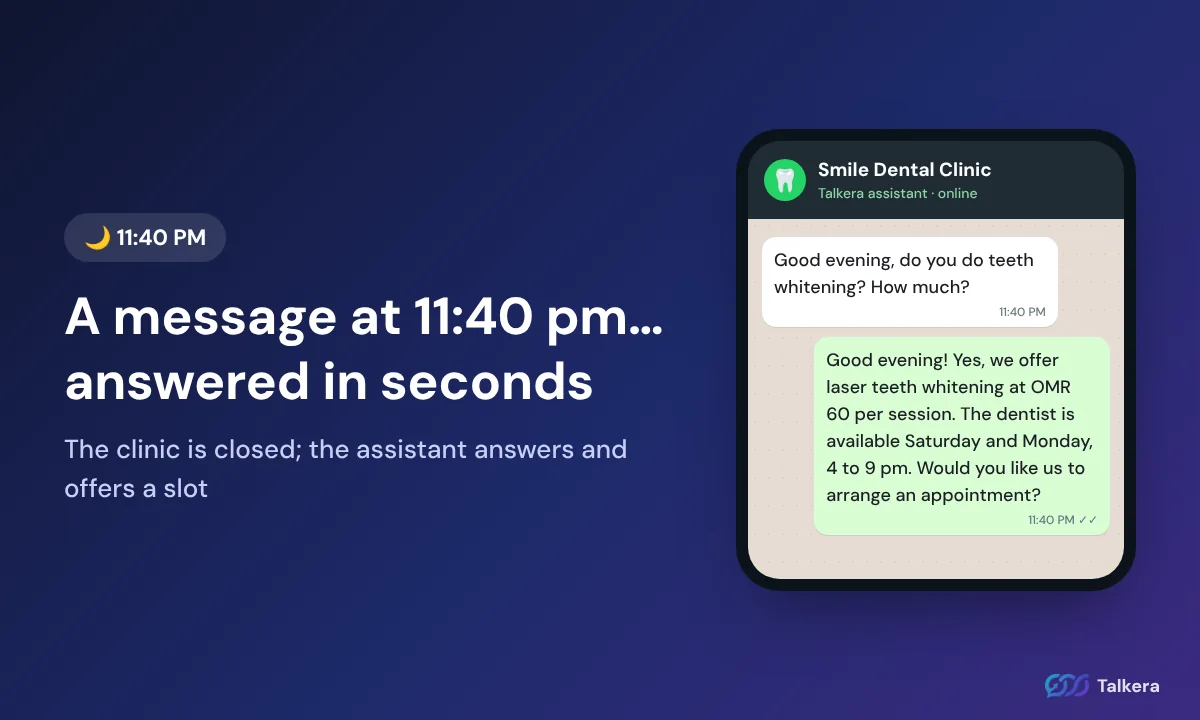
These examples look the way after-hours messages really arrive, with the assistant's replies. Prices and details are illustrative.
Example 1: dental clinic, 11:40 pm
Example 2: restaurant, 1:15 am
Example 3: training institute, 10:05 pm
Example 4: a question with no answer on file
In the last example the assistant didn't invent an answer; the question appears for the owner to add, so the assistant knows it next time.
A one-week setup plan
A practical plan that starts from zero and ends with an assistant answering day and night.
| Day | Task | Approx. time |
|---|---|---|
| Day 1 | Write your 20 most repeated questions and your answers, the way you'd reply | 1 hour |
| Day 2 | Gather your information in one place: services, prices, hours, offers, contact details | 1–2 hours |
| Day 3 | Create the assistant, add your information, and set language, reply length and whether it mentions prices | 1 hour |
| Day 4 | Decide when a chat goes to a person and which customer details to collect | 30 minutes |
| Day 5 | Test it yourself: typed and voice questions, different dialects, questions outside your information | 1 hour |
| Day 6 | Connect your business WhatsApp number to Meta's official WhatsApp Business Platform | Depends on Meta |
| Day 7 | Launch, and at the end of the day review unanswered questions and add them | 30 minutes |
Practical steps to start
- Write your 20 most repeated questions and your answers, the way you'd reply.
- Gather your business information in one place: services and prices, hours, contact details, current offers.
- Connect your business WhatsApp number to Meta's official WhatsApp Business Platform; it's the only approved way to auto-reply from your number.
- Decide when a chat goes to a person: the customer asks, a complaint, or a sensitive topic.
- Every week, review the questions the assistant couldn't answer and add their answers.
What should stay with your team?
An AI assistant saves your team's time, but doesn't replace it everywhere. Keep these with your team:
- Complaints and upset customers: the assistant apologises and hands over immediately; the team solves the problem.
- Money decisions: refunds, compensation, special prices, and discounts beyond published offers.
- Medical or legal questions: diagnosis, medication and advice go to the specialist.
- Special cases: custom requests, key accounts or sensitive topics.
- Customers who ask for a person: they should reach someone without asking twice.
In Talkera you set these topics in the settings, so the chat goes to your team with a clear reason, you get a phone notification, and the assistant stays quiet in that chat.
How Talkera helps
Talkera replies on WhatsApp from your business number, understands typed and voice messages, and answers from your files, website and notes. It records everyone who gets in touch as a lead and hands over to your team at the right moment.
In a real deployment for a clinic in Oman, the average reply time was about 8 seconds, and a quarter of messages arrived between 8 pm and 8 am. Read the full story.
More: How to write your business information so the assistant answers accurately · WhatsApp chatbot in Oman
Frequently asked questions
How do I answer WhatsApp customers after hours?
Connect your business number to an AI assistant on Meta's official WhatsApp Business Platform and add your services, prices and hours. The assistant answers every message in seconds, day and night, and passes what needs a person to your team in the morning, with the customer's details saved.
Is the WhatsApp Business auto-reply enough?
No. The greeting and away messages in the WhatsApp Business app tell customers you'll reply later, but don't answer their question. To answer the question itself, you need an AI assistant on Meta's official WhatsApp Business Platform that reads the message and answers from your information.
Can a chatbot answer voice notes at night?
Yes. Talkera understands voice notes on WhatsApp and website chat at any hour, and replies in text in the customer's language from your business information. The recording and its transcript stay in the chat, so your team can listen in the morning if needed.
What if a customer asks something the bot doesn't know?
A good assistant doesn't make up an answer. Talkera politely tells the customer the team will follow up, saves their details, and shows you the question in a report so you can add the answer for next time. Unanswered questions drop week by week.
Do I need a new WhatsApp number for auto-replies?
No. The assistant replies from your own business number once it's registered on Meta's official WhatsApp Business Platform. If the number runs on the WhatsApp Business app today, it needs to move to the platform, and the Talkera team connects it with you.