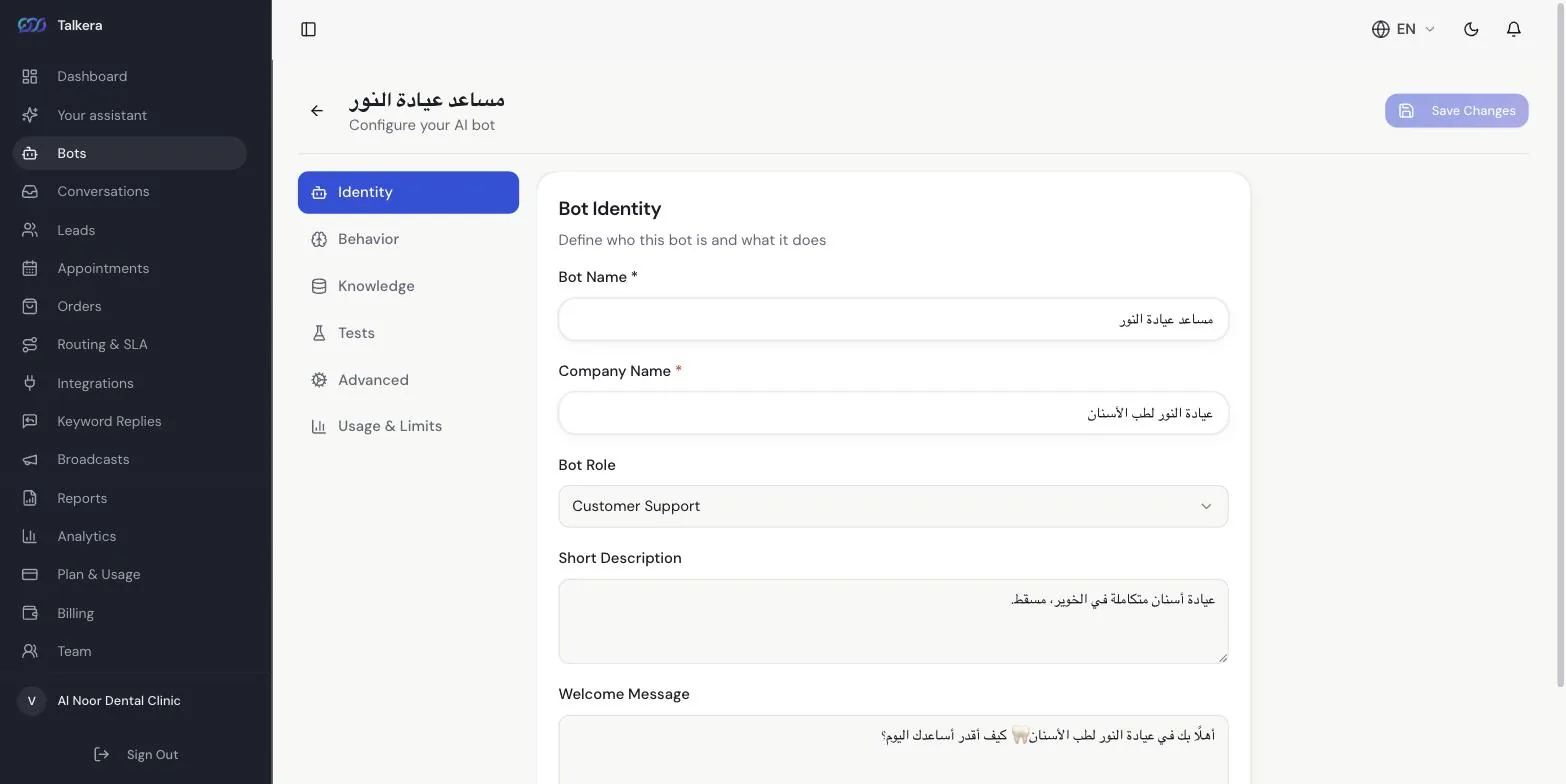
Adding your business information
The files, website pages and text the assistant answers from.
- 1Open «Bots», then your assistant, and go to the business information.
- 2Fill in the required basics (in red), and don't leave a contact line empty.
- 3Upload PDFs or documents, offer images, or add your website link so it reads the pages.
- 4Write your own questions and answers for what you're asked most.
- 5Save; the change reaches the assistant right away.
Tip: Your website links are re-checked automatically, so new content reaches the assistant without adding it again.
talkera.net