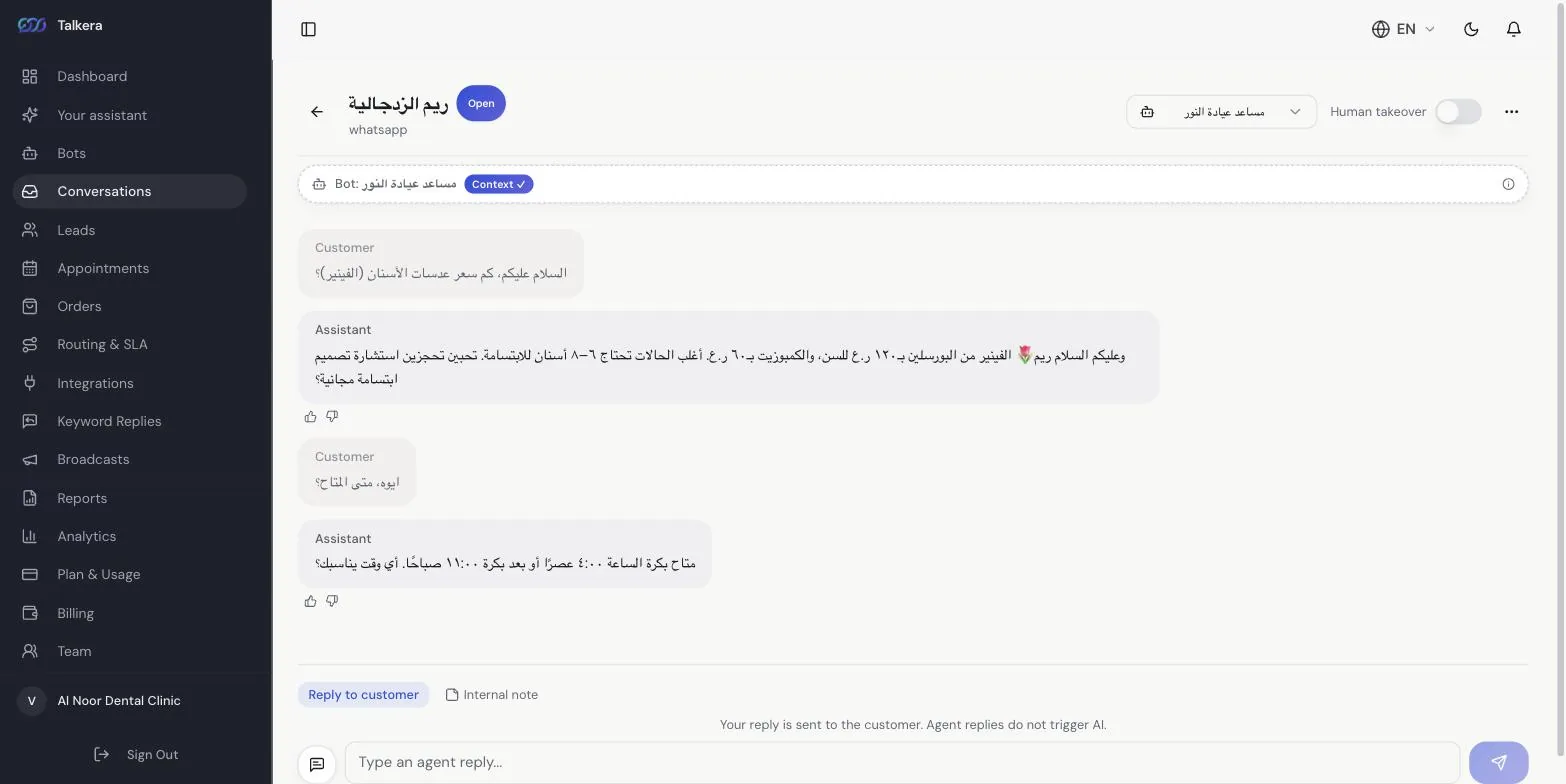
Handing chats to your team
When a person steps in, and how the assistant comes back.
- 1Open «Bots», then your assistant, and go to handing the chat to your team.
- 2Choose when: the customer asks, is upset, topics you set (like refunds), or the answer wasn't found twice.
- 3Set after how long the assistant comes back.
- 4Turn on phone notifications so you know right away.
Tip: Any team member can write in a chat at any time, and the assistant goes quiet there.
talkera.net