· Updated · The Talkera team· 7 min read
«Comment a word»: the simplest way to grow your Instagram DMs
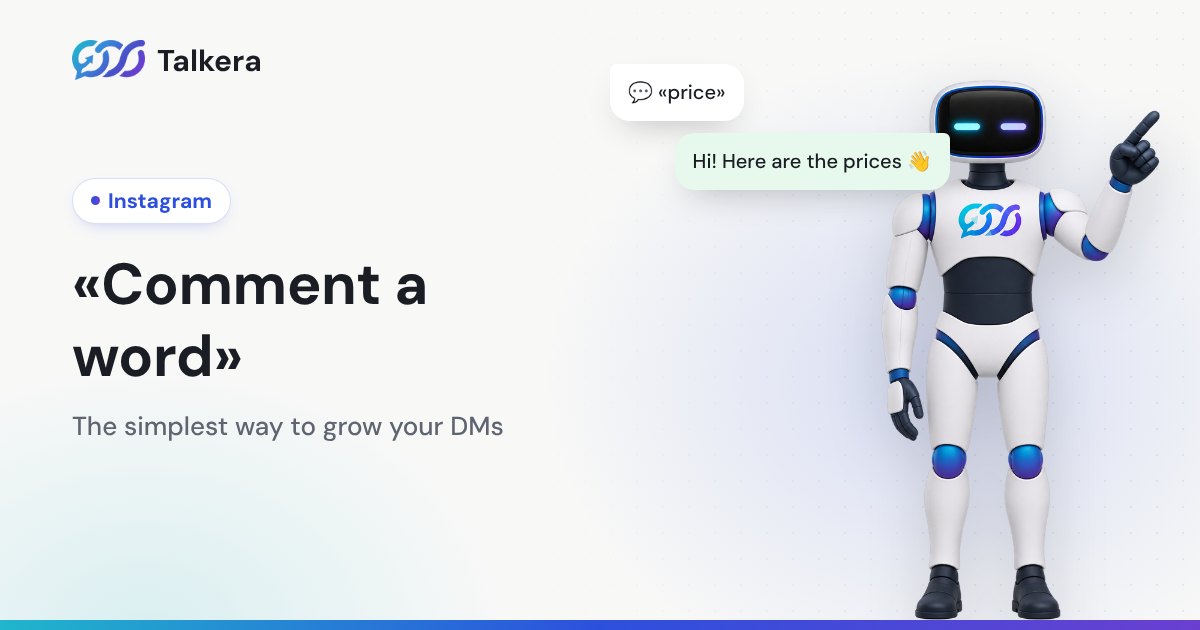
One of the most effective Instagram tactics: ask followers to comment a word under your post, and everyone who does gets a private message with what you promised. This guide covers why it works, what to give away, how to choose the word, and the mistakes that ruin it.
In short
- Every comment boosts the post's reach, and the private message opens a chat with someone genuinely interested.
- Replies happen automatically: the follower comments the word and receives a DM with what you promised.
- Choose a short word and add its variations in Arabic and English.
- The gift must be worth the comment: a guide, a price list, a menu or an offer.
- A follow requirement grows your account, but don't let it block a ready buyer.
Why it works
Comments boost the post's reach, and the private message opens a direct conversation with someone who is actually interested. Instead of replying to every comment by hand, all of this happens automatically.
There's a third reason: the person who commented asked for the message, so they open and read it. That beats any message nobody asked for.
How it works, step by step
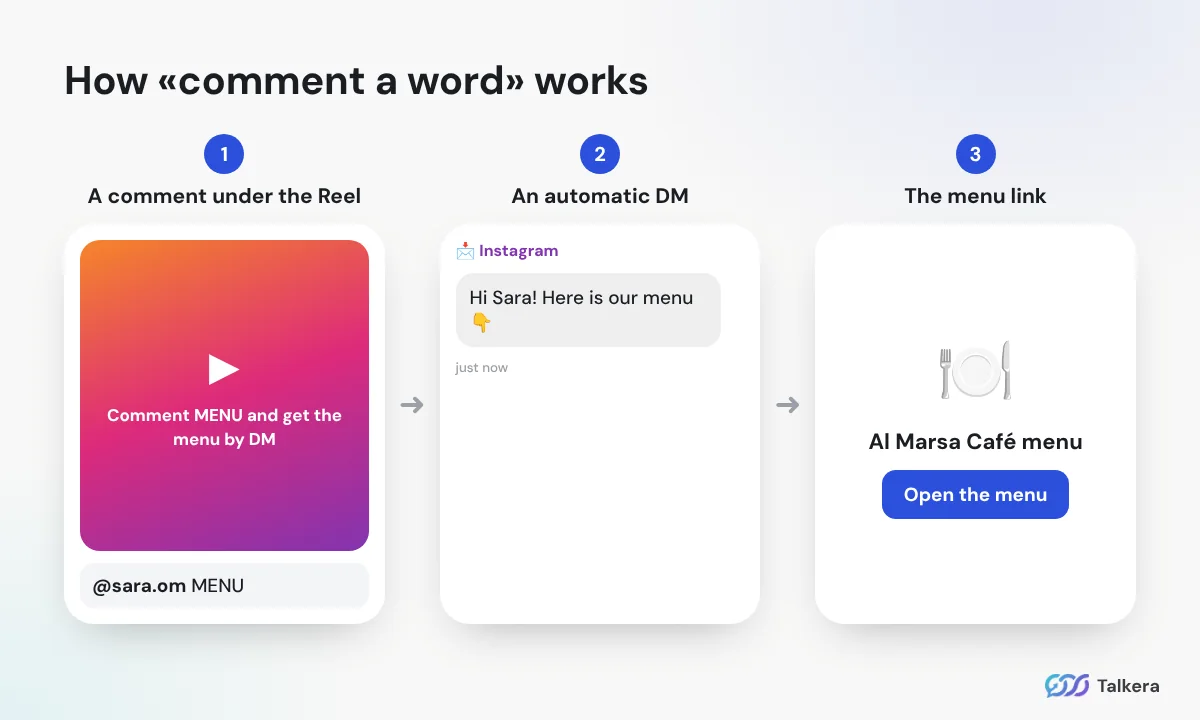
- You post a Reel or post and add: "Comment MENU and we'll send you the menu by DM."
- A follower comments the word.
- They automatically get a DM with a button, a few short messages, then the link or file.
- If you choose, a public reply goes under their comment too, such as "We've sent you the details by DM."
- Everyone who comments is recorded as a lead, so you can follow up from your inbox.
10 ideas for what to give your followers
The gift is the reason to comment. Choose something your audience actually wants:
- Price list: "Comment PRICE for our price list." Great for salons, clinics and services.
- Menu: for restaurants and cafés, with the order link.
- A short guide: such as "5 mistakes before buying a flat" for a real-estate office.
- A special offer for commenters: a gift with the first order, or an intro session.
- Course schedule: for training centres, with the registration link.
- Product catalogue: a PDF with products and sizes.
- Booking link: straight to the next free slot.
- A longer how-to video: the full video behind an educational post.
- A giveaway: everyone who comments enters, with details by DM.
- An FAQ file: answering what customers ask most before buying.
Choosing the word and its variations
A short, easy word tied to what you offer: "PRICE", "MENU", "FILE", or the Arabic equivalents. You can set more than one word, in Arabic and English, for the same post.
Why you need variations
Because followers type differently: "price", "Price", "PRICE", "prices", or the Arabic "سعر" and "السعر". Some add an emoji or a space. Add every likely variation so nobody is missed.
| Main word | Variations to add |
|---|---|
| menu | Menu, MENU, منيو, المنيو |
| price | Price, prices, سعر, السعر |
| guide | Guide, دليل, الدليل |
| book | Book, booking, حجز, احجز |
Tips for choosing the word
- One word beats a phrase.
- Avoid words with tricky spellings.
- Tie it to the gift so it's easy to remember.
- Show it in the video and in the caption, not in only one place.
Ready-made call-to-action lines for your caption
Your call to action should say three things: the word, where to write it, and what they'll get. Examples to adapt:
- "Comment MENU and we'll DM you the full menu."
- "Want our price list? Comment PRICE and it's yours in seconds."
- "Comment GUIDE for our file: 5 things to ask before you book."
- "علّق بكلمة (سعر) ونرسل لك قائمة الأسعار على الخاص." (for Arabic-speaking followers)
Put the line in the first two lines of the caption, and repeat it as on-screen text in the video, so people who never open the caption still see it.
What to send
Something of value: the menu link, a price list, a free guide or an offer. Keep the message short and end it with one clear next step.
A suggested structure:
- A short thank-you: "Thanks for commenting!"
- The gift itself: the link or file.
- One clear next step: "Reply here to book" or "Order from the link."
Follow requirement
You can require people to follow your account before they get the link. It helps your account grow, but don't let it get in the way if your goal is a direct sale.
How it works on Instagram and Facebook
- Instagram: actually checks that the person follows your account before sending the link.
- Facebook: doesn't allow a follow check, so the person gets a follow request and receives the content after tapping "I followed". Private replies to Facebook comments are in development in Talkera.
Mistakes to avoid
- A long or hard-to-type word, so people spell it in ways you didn't add.
- A message with no real value: followers feel tricked and won't comment again.
- Not following up with people who opened the chat: they're your most interested audience. In Talkera, everyone who comments is recorded as a lead, so you can follow up from the inbox.
- A promise the message doesn't keep: if you said "price list", send the price list, not your homepage.
- Not testing the word before posting: comment it yourself from another account and check the DM arrives.
- Running two tools on the same post, so followers get two messages.
How to measure results
Track three numbers per post: comments with the word, messages opened or downloads (Talkera counts file downloads), and how many turned into a conversation or order. Compare gifts and words to learn what your audience responds to.
How it works in Talkera
In Talkera you create a rule for each post or Reel: the word and its variations, the DM with a button and short messages, the file or link with a download counter, an optional public reply, and the follow requirement. One rule can cover a post on both Facebook and Instagram. After the DM, if the follower asks a question, the AI assistant answers from your business information. See comment keyword replies.
More: ManyChat alternatives · From an Instagram message to an order
Frequently asked questions
How do I set up automatic replies to Instagram comments?
You need a tool connected to your Instagram business account, such as Talkera. Create a rule for the post: the keyword and its variations, the DM, and the file or link. From then on, everyone who comments the word gets the DM automatically and is recorded as a lead.
Does auto-replying to comments increase engagement?
Usually, yes. Every comment boosts the post's reach on Instagram, and followers comment more when they know they'll get something useful. The bigger win is that every comment opens a private conversation with someone genuinely interested in what you offer.
Can I require a follow before sending the link?
Yes. On Instagram, Talkera actually checks that the person follows your account before sending the link. On Facebook, a follow request goes first and the content follows after they tap "I followed". Use it for bigger gifts, and skip it for quick ones so you don't lose a ready buyer.
What's the best keyword for an Instagram comment campaign?
The best keyword is short, tied to the gift and easy to type, such as "PRICE", "MENU" or "GUIDE". Add its variations in Arabic and English, show it in both the video and the caption, and test it from another account before posting.
Does comment auto-reply work on Facebook too?
In Talkera, private replies to Instagram comments work today, and private replies to Facebook comments are in development pending Meta's approval. Each rule is designed to cover a post on both Facebook and Instagram, so you don't set it up twice.